


Automated Personal Finance System for Notion + iPhone ShortCut
Automated Personal Finance System for Notion + iPhone ShortCut
⚡ Log any expense in 5 seconds
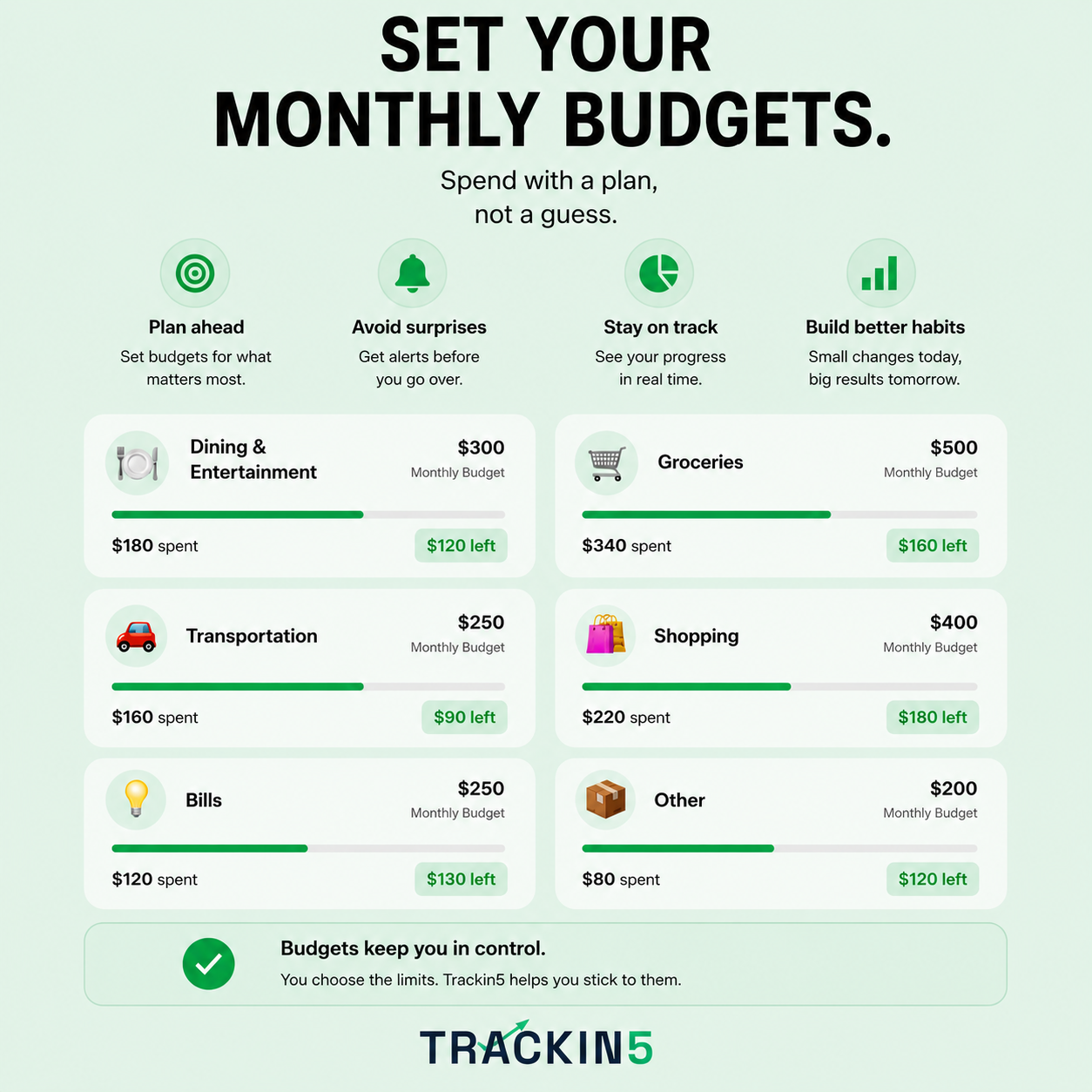
📊 See exactly where your money goes
🎯 Stay on budget without thinking about it
🔒 One-time payment, yours forever
Couldn't load pickup availability

I've got a graveyard of finance apps I deleted within a week. Two months in with this one — the shortcut is stupid fast, no more 'I'll log it later.

Went months without saving a dollar even though I kept telling myself I would. Turns out it wasn't an income problem, it was one category eating everything.

Ngl I was scared to actually look at my spending. Saw the breakdown and yeah, DoorDash hurt, but I'd rather know than keep that gut feeling something's off.
Do I need to know how to use Notion?
Do I need to know how to use Notion?
No. It comes with a step-by-step PDF guide to set it up in under 5 minutes, even if you've never used Notion before.
When do I get access?
When do I get access?
Instantly. You'll receive access by email automatically right after payment.
Do I have to reconfigure anything every month?
Do I have to reconfigure anything every month?
No. The system resets itself every month. Zero maintenance — just log your expenses and go.
Is it a one-time payment or a subscription?
Is it a one-time payment or a subscription?
One-time payment of $14.99. No monthly fees, no renewals. It's yours forever, and any future updates or improvements to the system are automatically included.
Is it only for iPhone?
Is it only for iPhone?
Yes, it's built for iPhone. The shortcut for logging expenses in seconds uses iOS Shortcuts. The Notion template itself can be opened from any device.



Automated Personal Finance System for Notion + iPhone ShortCut
How it Works, Step by Step


